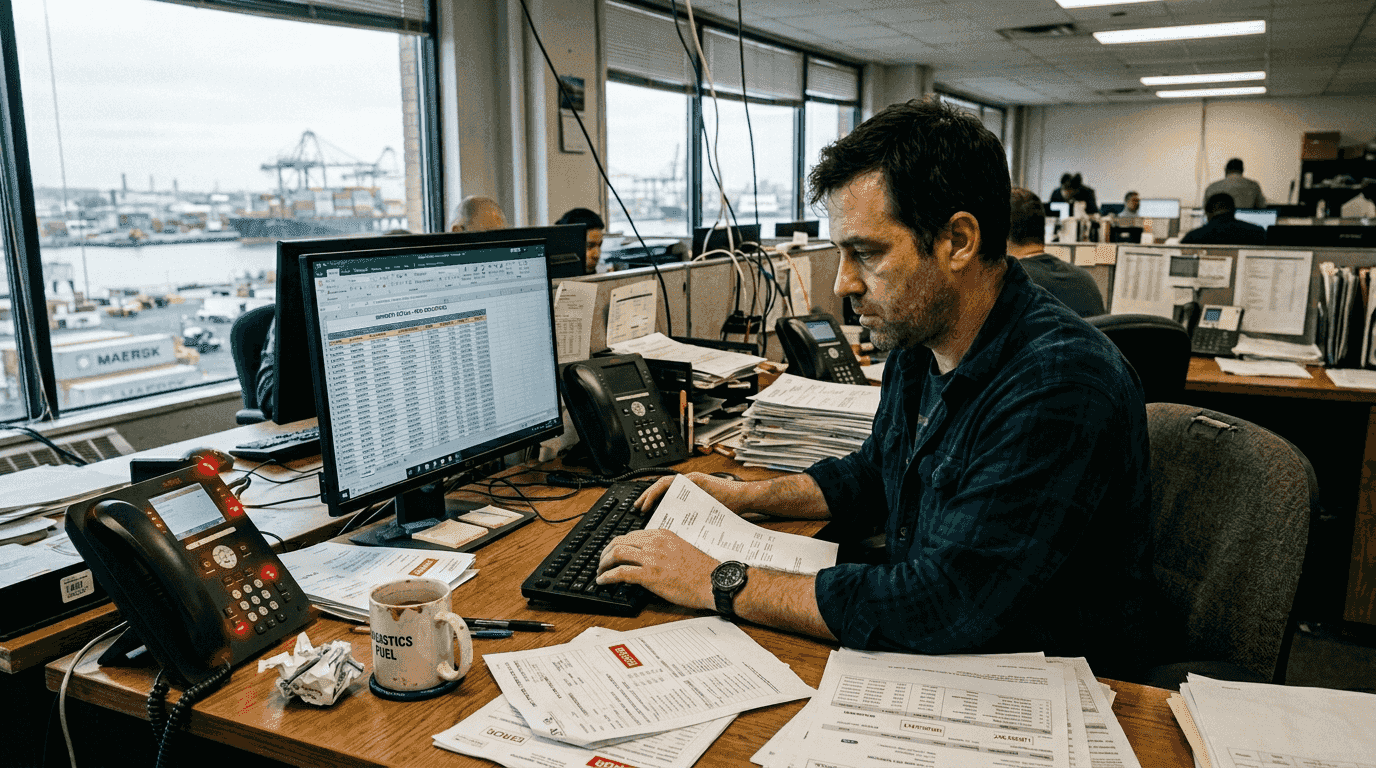
Manual data entry consumes 15 to 20 hours weekly for small to mid-sized freight forwarders, creating a constant drain on productivity. Frequent errors lead to costly delays, lost profit margins, and compliance issues that compound over time. Automation offers a clear way to significantly mitigate these risks and boost operational efficiency by reducing human error and freeing teams to focus on strategic work.
Table of Contents
- Common Manual Data Entry Hazards In Freight Forwarding
- Time And Cost Impact Of Manual Data Entry In Freight Forwarding
- Consequences Of Manual Data Entry Errors In Freight Forwarding
- Benefits Of Automation In Freight Forwarding
- Comparison Of Manual Vs Automated Data Entry In Freight Forwarding
- How To Choose Automation To Minimize Manual Data Entry Hazards
- Situational Picks: Choosing The Right Automation Tool For Your Freight Team
- Summary: Eliminating Manual Data Entry Hazards In Freight Forwarding
- Discover QuoteParser — Automate Your Freight Data Entry
Key takeaways
| Point | Details |
|---|---|
| Manual entry errors | Error rates range from 1% to 10% in freight documents, causing operational disruptions. |
| Time waste | Small to mid-sized freight teams spend 15 to 20 hours weekly on manual quote entry. |
| Financial impact | Manual errors lead to 20 to 30% profit margin leakage through billing mistakes and rework. |
| Automation benefits | Automated systems cut errors by up to 90% and reduce processing time by 35%. |
| Margin recovery | Switching to automation can recover significant lost margins and improve cash flow. |
Common manual data entry hazards in freight forwarding
Manual data entry in freight forwarding introduces multiple error types that disrupt operations and erode profitability. Error rates in freight invoices commonly range from 1% to 10%, creating a persistent accuracy problem. These mistakes include mis-typed container numbers, duplicate shipment entries, and omissions of critical routing details.
Compliance errors with customs filings such as ICS2, ISF, and HS codes are especially frequent when operators manually transcribe data from PDF carrier quotes. A single typo in an HS code can trigger cargo holds and regulatory fines. Billing mistakes result in payment delays and disputes that directly affect cash flow and customer relationships.
Common manual entry hazards include:
- Mis-typed numbers in container IDs, shipment weights, and freight charges
- Duplicate entries caused by repetitive copy-paste workflows
- Omissions of mandatory fields like shipper details or port codes
- Incorrect customs classifications leading to compliance violations
- Inconsistent data formats across different carrier quote PDFs
These manual data entry hazards create silent financial leakage that compounds with every shipment. Operators working under tight deadlines often overlook small errors that snowball into larger operational problems. The fragmented nature of handling multiple PDF formats from carriers like Maersk and MSC increases the likelihood of mistakes.
Freight forwarders using QuoteParser PDF carrier quote automation eliminate most of these hazards by extracting data with AI-powered accuracy. The shift from manual to automated processing removes the human error variable that causes most document inaccuracies.
Time and cost impact of manual data entry in freight forwarding
Manual entry of PDF carrier quote data takes about 10 to 15 minutes per document on average, which seems manageable until you multiply it across dozens of daily quotes. Small to midsize freight forwarding teams spend 15 to 20 hours weekly manually entering quotes into their Transport Management Systems. This represents a significant labor cost that could be redirected to higher-value activities.
Fragmented software workflows add operational delays and reduce productivity. When operators must switch between PDF viewers, spreadsheets, and TMS interfaces, context switching alone wastes valuable minutes per transaction. Manual errors cause profit margin leakage estimated at 20 to 30% as incorrect pricing, weight discrepancies, and missed surcharges go unnoticed until disputes arise.
The cumulative time and cost burdens include:
- 10 to 15 minutes per quote for manual data extraction and entry
- 15 to 20 weekly labor hours consumed by repetitive typing tasks
- Increased error rates as operator fatigue builds during long entry sessions
- Delayed quote turnaround times that reduce competitive responsiveness
- Hidden costs from rework and corrections after errors are discovered
Fatigue and repetitive tasks lower operator accuracy over time, especially during peak shipping seasons when quote volumes surge. Operators processing their 50th PDF of the day are far more likely to make transcription errors than on their first. This productivity decline directly impacts service quality and customer satisfaction.
Pro Tip: Track the actual time your team spends on manual quote entry for one week to quantify the real labor cost. Most freight forwarders underestimate this number until they measure it.
Switching to automation to reduce manual effort recaptures these lost labor hours and redirects them toward customer service, strategic planning, and business development. The financial return on automation becomes clear when you calculate the weekly labor cost multiplied across a year.
Consequences of manual data entry errors in freight forwarding
Incorrect customs filings cause shipment delays and cargo holds that cascade through the entire supply chain. Manual data entry errors lead to regulatory non-compliance such as failed ICS2 and ISF filings, triggering costly penalties and customs holds. A single incorrect HS code can delay a container for days while corrections are processed.
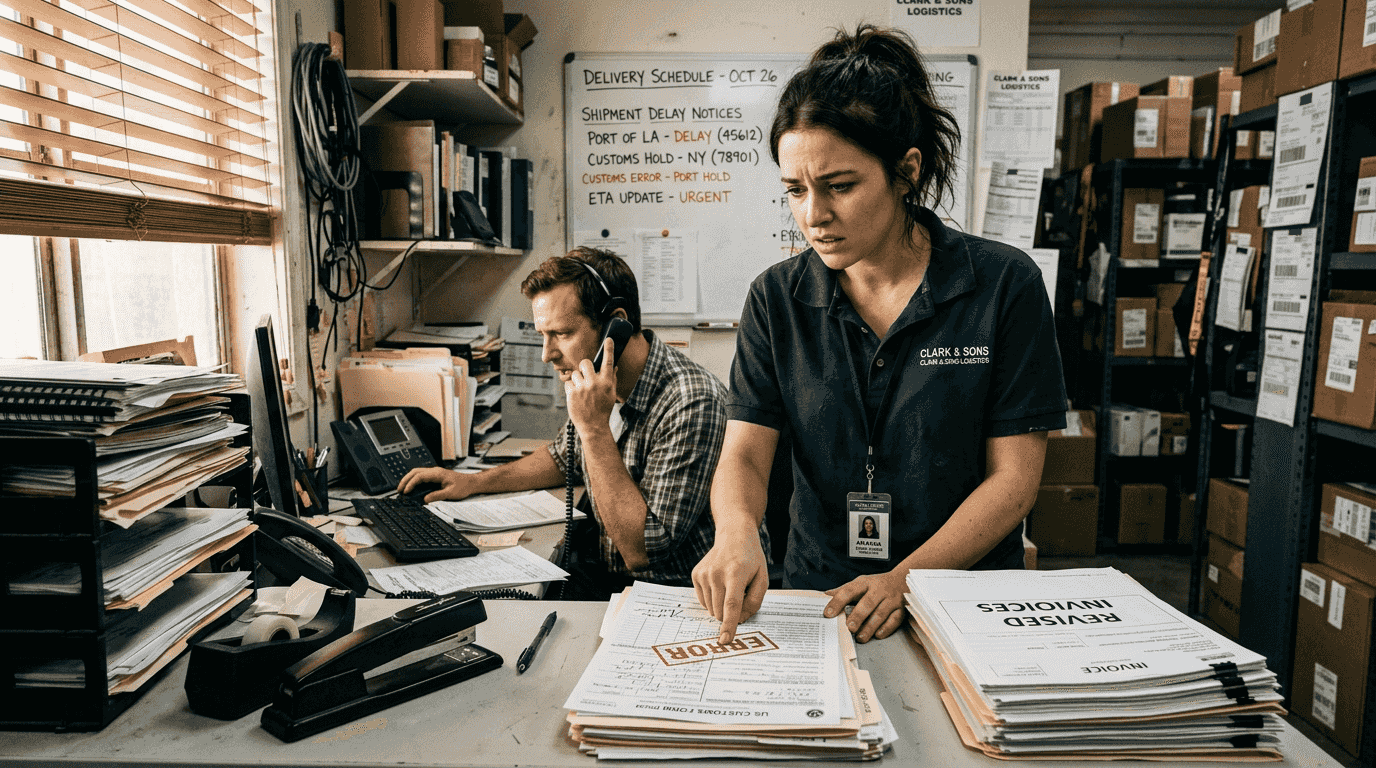
Non-compliance with ICS2, ISF, and HS codes incur penalties ranging from hundreds to thousands of dollars per violation. These fines directly reduce profit margins and create unexpected expenses that disrupt financial planning. Manual errors also lead to payment delays, lost invoices, and duplicate billing that frustrate customers and strain relationships.
Key consequences of manual entry errors include:
- Shipment holds at customs due to incorrect or missing compliance data
- Regulatory fines for ICS2, ISF, and HS code violations
- Payment delays from billing discrepancies and invoice disputes
- Lost customer trust from repeated mistakes and service failures
- Operational disruptions requiring rework and emergency corrections
Customer trust and business reputation suffer from repeated mistakes. When clients experience delayed shipments or billing errors, they question your operational competence and consider switching to competitors. Operational disruptions reduce overall service quality and create a reactive firefighting culture instead of proactive excellence.
The financial impact extends beyond direct fines. Delayed shipments can trigger penalty clauses in customer contracts, adding another layer of cost. Customs holds create demurrage and detention charges that either reduce margins or must be passed to unhappy customers.
Freight forwarders who automate to avoid compliance errors gain consistent accuracy in customs filings and billing. Automation validates data against regulatory requirements before submission, catching errors that manual review would miss. This proactive approach prevents problems instead of reacting to them.
Benefits of automation in freight forwarding
Automated AI and OCR processing reduce data entry errors by up to 90% compared to manual workflows. Modern automation tools extract data from PDF carrier quotes with precision that human operators cannot consistently match. This accuracy improvement directly translates to fewer billing disputes, compliance violations, and operational disruptions.
Automation cuts document processing time by 35% or more compared to manual entry. Tasks that took 10 to 15 minutes per quote now complete in seconds, freeing operators to handle higher quote volumes without adding staff. This speed advantage becomes critical during peak shipping seasons when quote volumes spike.
Key automation benefits include:
- Error reduction of up to 90% through AI-powered data extraction
- Processing time savings of 35% or more per document
- Improved billing accuracy that reduces payment delays and disputes
- Enhanced customs compliance through automated validation checks
- Real-time TMS integration for faster decision making
Improves accuracy in billing and customs compliance by standardizing data formats and validating entries against regulatory requirements. Automated systems flag potential errors before they enter your TMS, creating a quality control layer that manual processes lack. This validation catches HS code mismatches, missing mandatory fields, and format inconsistencies.
Real-time updates via integration improve decision making and responsiveness. When quote data flows directly from PDFs into your TMS within seconds, your team can respond to customer inquiries faster and make better routing decisions. This agility creates a competitive advantage in time-sensitive freight markets.
Frees labor hours to focus on strategic tasks, boosting efficiency. Instead of spending 15 to 20 hours weekly on data entry, your team can concentrate on customer relationship building, rate negotiations, and process improvements. This shift from tactical to strategic work elevates your entire operation.
Pro Tip: Start automation with your highest-volume carrier quotes to maximize immediate time savings and build team confidence in the new process.
QuoteParser automation benefits extend beyond error reduction to fundamentally transform how freight forwarding teams operate. The shift from manual to automated processing creates capacity for growth without proportional increases in overhead.
Comparison of manual vs automated data entry in freight forwarding
A direct comparison reveals the substantial advantages automation delivers across error rates, processing speed, cost impact, and labor efficiency. Manual error rates range from 1% to 10% depending on operator experience and workload, while automated systems consistently achieve less than 1% error rates. This accuracy gap translates directly into fewer shipment delays and billing disputes.
Manual entry takes 10 to 15 minutes per document versus seconds with automated extraction. This time difference compounds across hundreds of monthly quotes, representing significant labor cost savings. Manual processing incurs 20 to 30% profit margin loss through errors, rework, and compliance penalties that automation eliminates.
| Factor | Manual Data Entry | Automated Data Entry |
|---|---|---|
| Error Rate | 1% to 10% | Less than 1% |
| Processing Time | 10 to 15 minutes per quote | Seconds per quote |
| Weekly Labor Hours | 15 to 20 hours | 2 to 3 hours |
| Profit Margin Impact | 20% to 30% loss | Minimal loss |
| Compliance Accuracy | Variable, prone to mistakes | Consistent, validated |
| Scalability | Requires proportional staffing | Handles volume increases |
Automation significantly reduces labor hours from 15 to 20 weekly down to 2 to 3 hours for oversight and exception handling. This efficiency gain frees teams to handle larger quote volumes without hiring additional staff. Overall automation results in better financial and operational outcomes through consistent accuracy and faster turnaround times.
The scalability difference is especially important for growing freight forwarders. Manual workflows require adding staff proportionally with volume increases. Automated systems handle 2x or 3x volume increases without additional labor, making growth more profitable.
Freight teams that compare manual and automated data entry typically find payback periods of three to six months based purely on labor savings, with additional returns from reduced errors and margin recovery.
How to choose automation to minimize manual data entry hazards
Prioritize accuracy and proven error reduction capabilities when evaluating automation tools. Look for vendors who can demonstrate real-world error rate improvements with case studies or trial periods. A system claiming 90% error reduction should provide evidence from similar freight forwarding operations.
Ensure compatibility with industry-standard TMS platforms like Magaya and CargoWise. Seamless integration prevents creating new data silos or requiring double entry into multiple systems. The automation tool should export data in formats your TMS natively accepts without manual conversion steps.
Key selection criteria include:
- Proven accuracy with documented error reduction rates
- Direct integration with Magaya, CargoWise, or your specific TMS
- Processing speed that handles your daily quote volumes
- Intuitive interface requiring minimal training for team adoption
- Ability to parse diverse PDF formats from multiple carriers
Look for processing speed and time-saving features that match your operational pace. If you process 50 quotes daily, calculate whether the tool can handle peak volumes of 75 to 100 without slowdowns. Speed advantages disappear if the system creates bottlenecks during busy periods.
Evaluate ease of use and minimal training required for smooth adoption. Complex systems with steep learning curves delay ROI and create team resistance. The best automation tools feel intuitive from day one, allowing operators to become productive within hours instead of weeks.
Consider the ability to handle diverse PDF quote formats and volumes from carriers like Maersk, MSC, CMA CGM, and regional providers. Carrier quote formats vary widely, and your automation tool must adapt to this diversity without requiring custom programming for each new format.
Freight forwarders selecting automation tools should request trial periods with their actual carrier quote PDFs to verify performance before committing. Real-world testing reveals limitations that product demos often hide.
Situational picks: choosing the right automation tool for your freight team
Small SMBs benefit from simple automation tools with direct TMS exports for faster ROI. If your team processes 20 to 50 quotes weekly, prioritize ease of use and quick setup over advanced features. Look for solutions offering immediate value without extensive customization or IT support requirements.
Mid-sized teams handling complex quotes need AI-powered parsing with advanced reconciliation. When dealing with multi-leg shipments, consolidated cargo, and varied surcharge structures, basic OCR tools often fail. Choose systems specifically trained on freight forwarding documents that understand industry terminology and calculation logic.
Recommendations by team profile:
- Small teams (1 to 3 operators): Focus on user-friendly tools with Magaya or CargoWise integration and per-quote pricing
- Mid-sized teams (4 to 10 operators): Invest in AI-powered solutions handling complex quote structures with volume pricing
- Compliance-focused teams: Prioritize systems with built-in ICS2, ISF, and HS code validation
- High-volume operations: Choose platforms offering batch processing and API integrations for workflow automation
- Multi-carrier teams: Select tools with broad carrier format support and continuous format updates
Teams focusing on compliance should choose solutions offering built-in validation for customs. Systems that cross-reference HS codes, validate ISF data completeness, and flag ICS2 requirements prevent costly errors before submission. This proactive validation is worth paying extra for if you handle significant international shipments.
Review integration options to fit your existing software infrastructure. If you use specific accounting software, customer portals, or rate management systems, verify the automation tool can exchange data with these applications. Isolated tools create manual bridging work that reduces overall efficiency gains.
Choose based on carrier quote formats, processing volume, and user skill level. A team comfortable with technology can leverage more advanced features, while less technical teams need simpler interfaces. Match the tool complexity to your team's capabilities to ensure successful adoption.
Freight teams exploring automation solutions for freight forwarding teams should map their specific pain points to tool capabilities rather than selecting based on feature lists alone.
Summary: eliminating manual data entry hazards in freight forwarding
Manual data entry errors cause costly financial, compliance, and operational issues that compound over time. Freight forwarders lose 15 to 20 weekly hours and 20 to 30% profit margins due to typing errors, omissions, and compliance violations. These losses represent preventable drains on profitability that automation directly addresses.
Automation reduces errors by up to 90% and saves processing time significantly, typically cutting document handling from 10 to 15 minutes down to seconds. This efficiency gain frees teams to focus on customer service and strategic growth instead of repetitive data entry. The financial return includes both direct labor savings and recovered margins from eliminated errors.
Choosing the right automation tool depends on accuracy, integration, and usability matched to your team size and workflow complexity. Small teams benefit from simple, fast-ROI solutions while larger operations need advanced AI parsing. Compliance-focused teams should prioritize built-in validation features.
Automation adoption enables freight teams to scale efficiently and improve service quality without proportional increases in overhead. The shift from manual to automated processing creates capacity for growth and competitive advantages in responsiveness and accuracy.
Discover QuoteParser — automate your freight data entry
If manual data entry is costing your team 15 to 20 hours weekly and leaking 20 to 30% of your profit margins, it's time to explore a better approach.
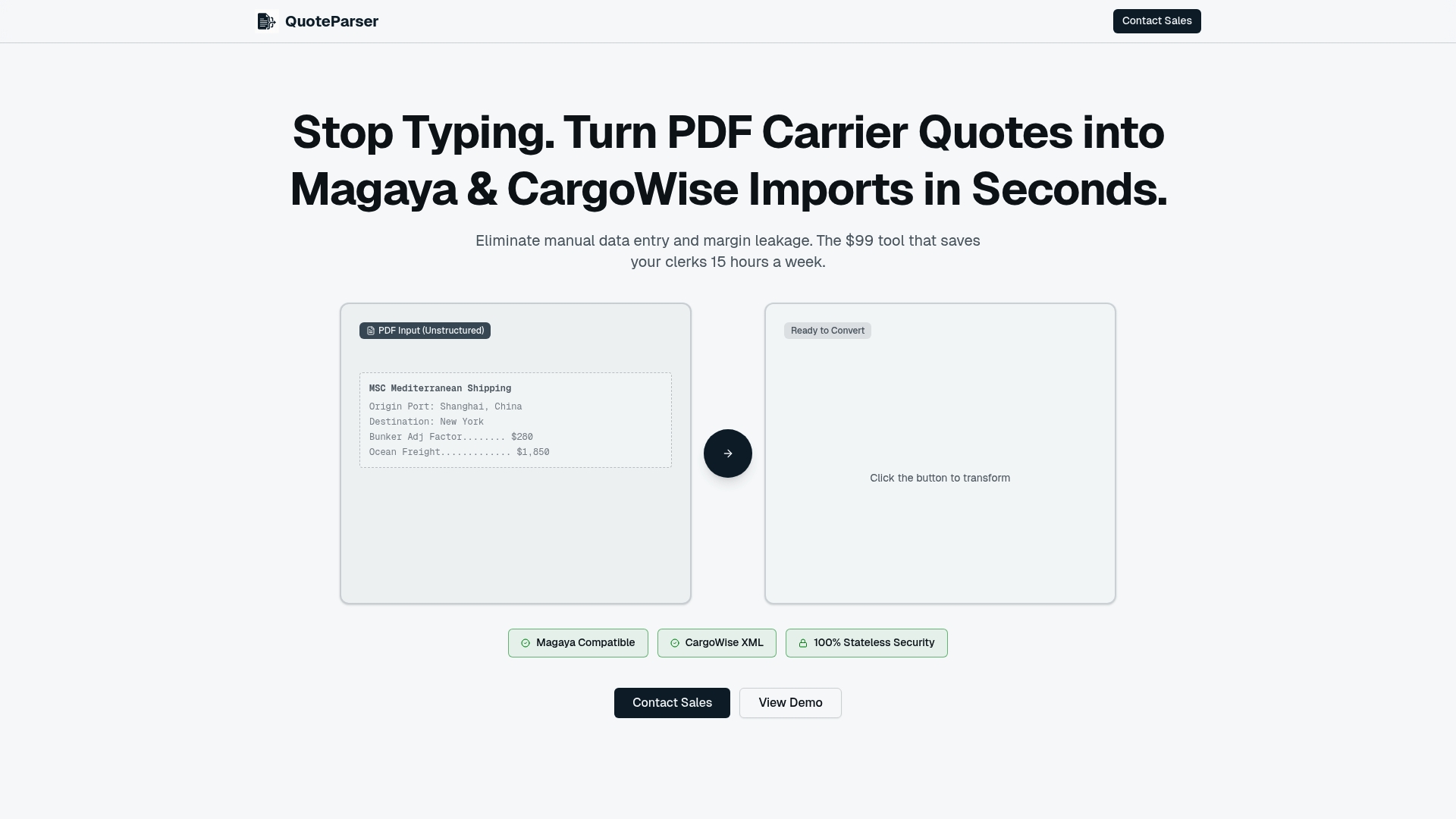
QuoteParser automation platform extracts freight carrier quotes from PDFs directly into your TMS with up to 90% fewer errors than manual entry. The system works seamlessly with Magaya, CargoWise, and other industry-standard platforms, turning 10 to 15 minute manual tasks into seconds of automated processing. Small and mid-sized freight forwarders trust QuoteParser to recover lost margins, eliminate compliance errors, and free their teams for higher-value work. Explore this PDF carrier quote automation tool as your next step toward operational efficiency and error-free processing.
FAQ
What are the most common errors caused by manual data entry in freight forwarding?
Common errors include mis-typed container numbers, shipment weights, and freight charges that disrupt billing accuracy. Duplicate entries, omitted mandatory fields, and incorrect customs classifications for ICS2, ISF, and HS codes also occur frequently. These mistakes lead to compliance violations, payment delays, and operational disruptions.
How much time can automation save freight forwarding teams on data entry?
Automation saves 15 to 20 hours per week for small to mid-sized freight forwarding teams by eliminating manual quote entry. Processing times drop from 10 to 15 minutes per document down to seconds. This efficiency gain allows teams to handle larger quote volumes without adding staff.
What criteria should freight forwarders consider when choosing data entry automation software?
Consider proven accuracy with documented error reduction, direct integration with TMS platforms like Magaga and CargoWise, and processing speed matching your daily volumes. Evaluate ease of use requiring minimal training and the ability to handle diverse PDF carrier quote formats. Compatibility with your existing software infrastructure is essential for seamless adoption.
How does automation reduce profit margin leakage in freight forwarding?
Automation eliminates the 1% to 10% error rates that cause billing mistakes, missed surcharges, and incorrect pricing entries. By ensuring accurate data extraction from carrier quotes, automated systems prevent the 20 to 30% margin loss typical of manual workflows. Improved accuracy in customs compliance also avoids fines and shipment delays that erode profitability.